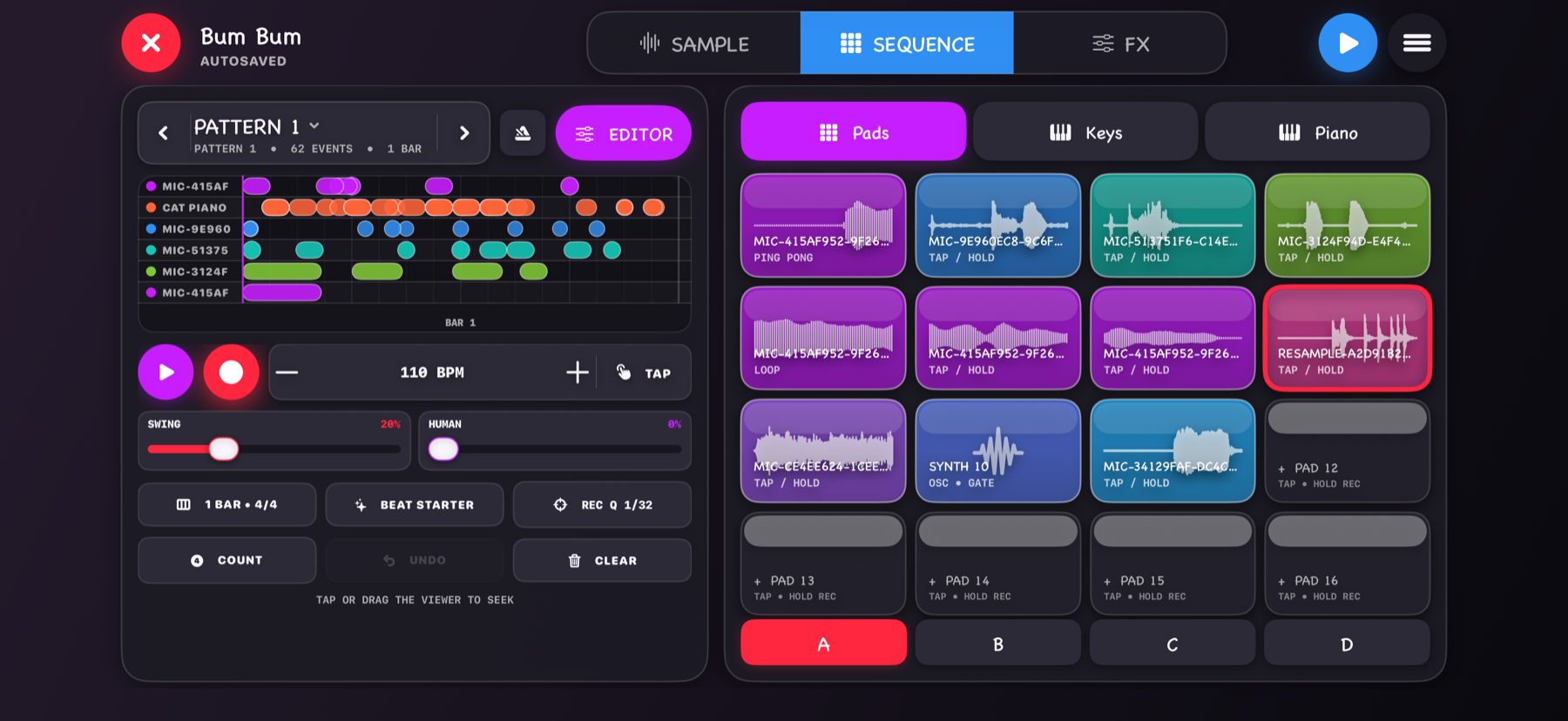
Beat Sequencer
Arrange samples into beats and songs.
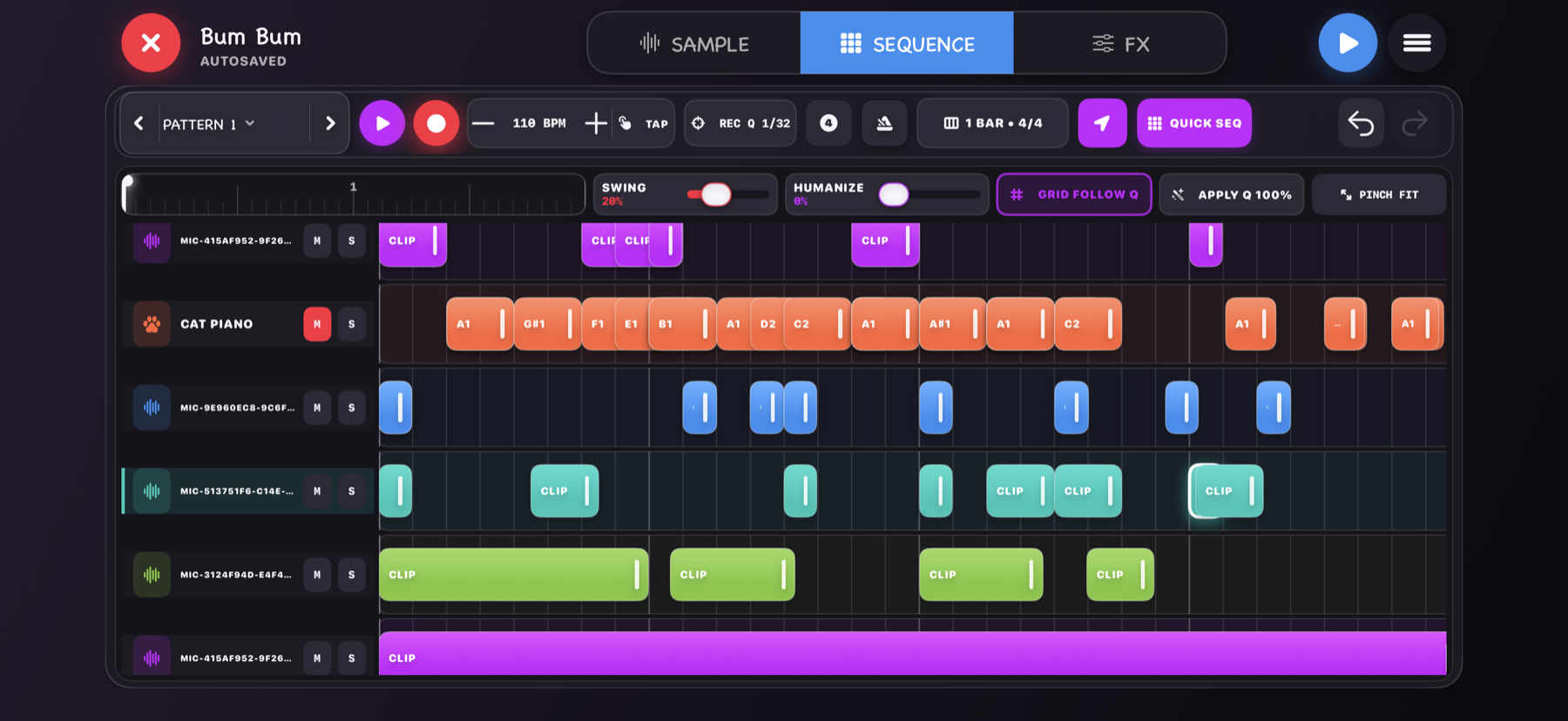
Trigger pads, record patterns, edit notes and timing, adjust swing and humanization, and build a complete sequence.
 Meowano
Download
Meowano
Download
Now on the App Store
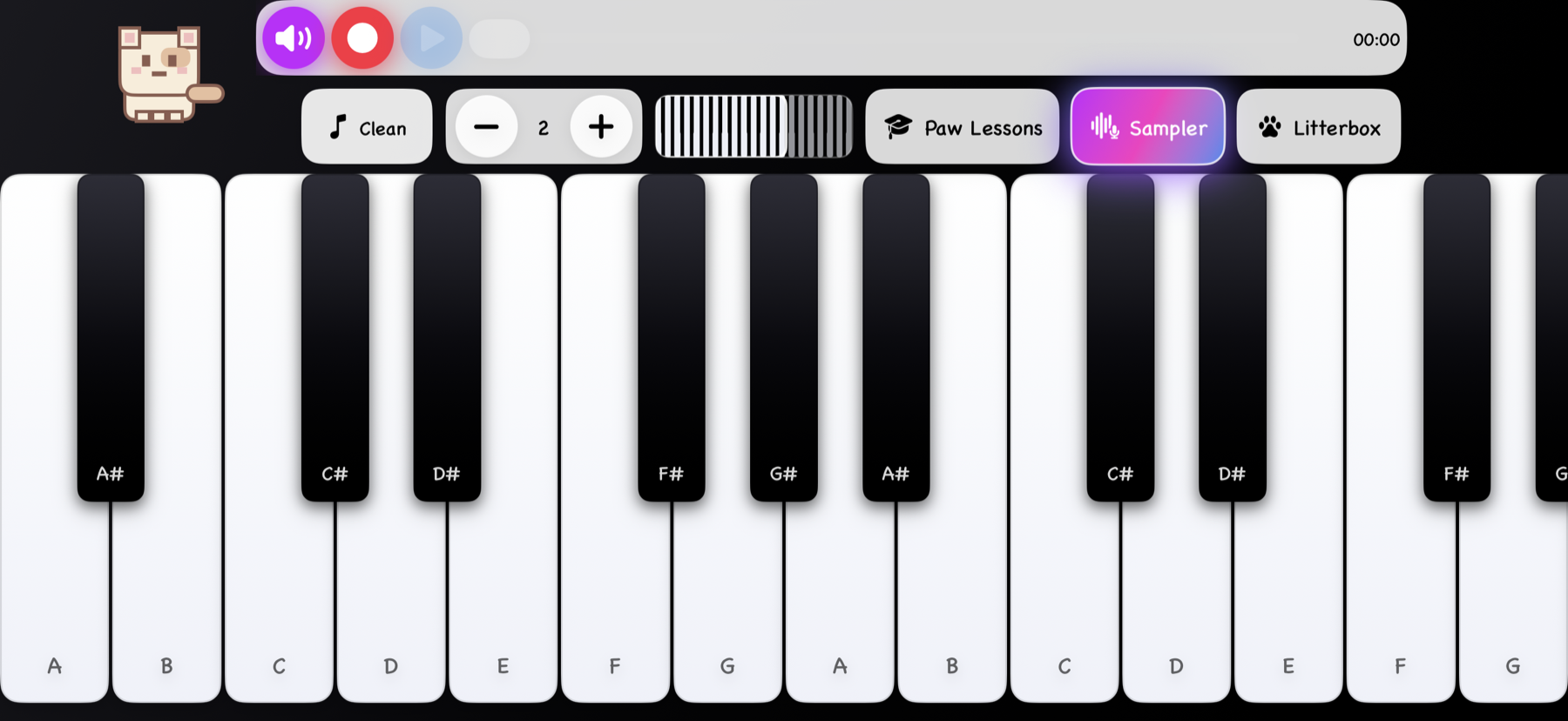
Play Cat Piano or Acoustic Piano, record or import sounds, turn them into playable samples, arrange beats, add effects, and export finished music.
What it does
Start with responsive piano keys and Meow Styles, then record samples, arrange patterns, mix effects, save performances, and learn songs with Paw Lessons.
Beat Sequencer
Trigger pads, record patterns, edit notes and timing, adjust swing and humanization, and build a complete sequence.
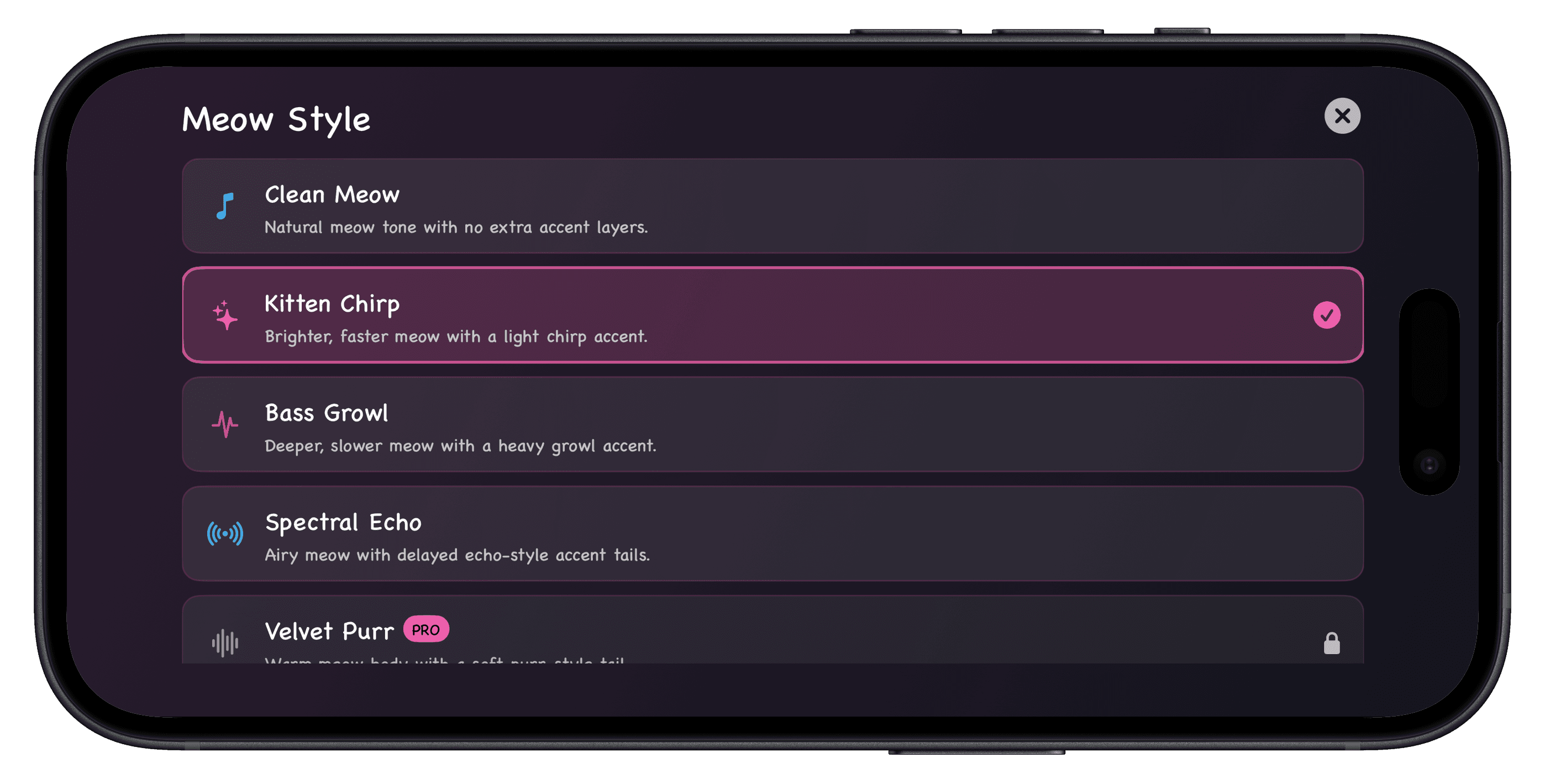
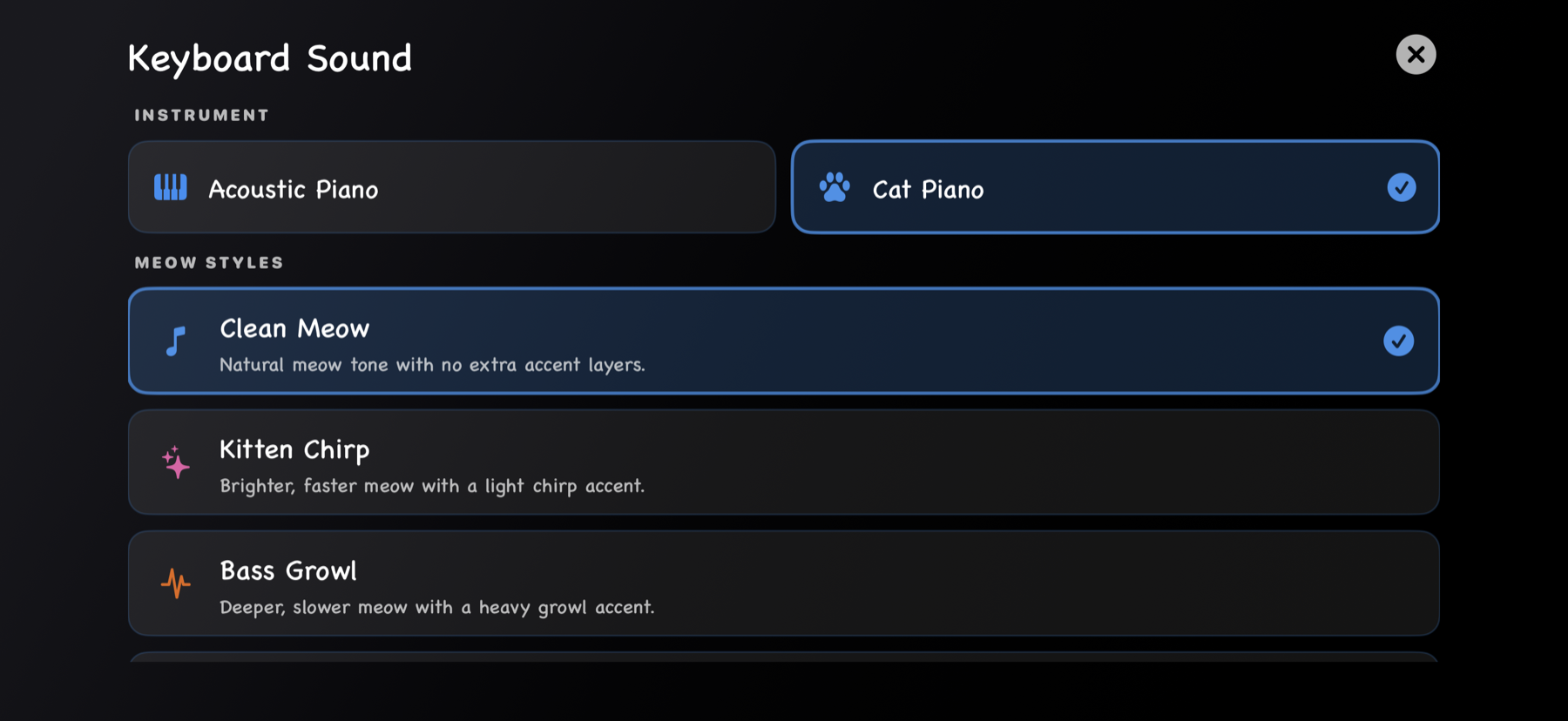
Keyboard Sound
Choose Cat Piano or Acoustic Piano, then shape the meow tone with styles like Clean Meow, Kitten Chirp, and Bass Growl.
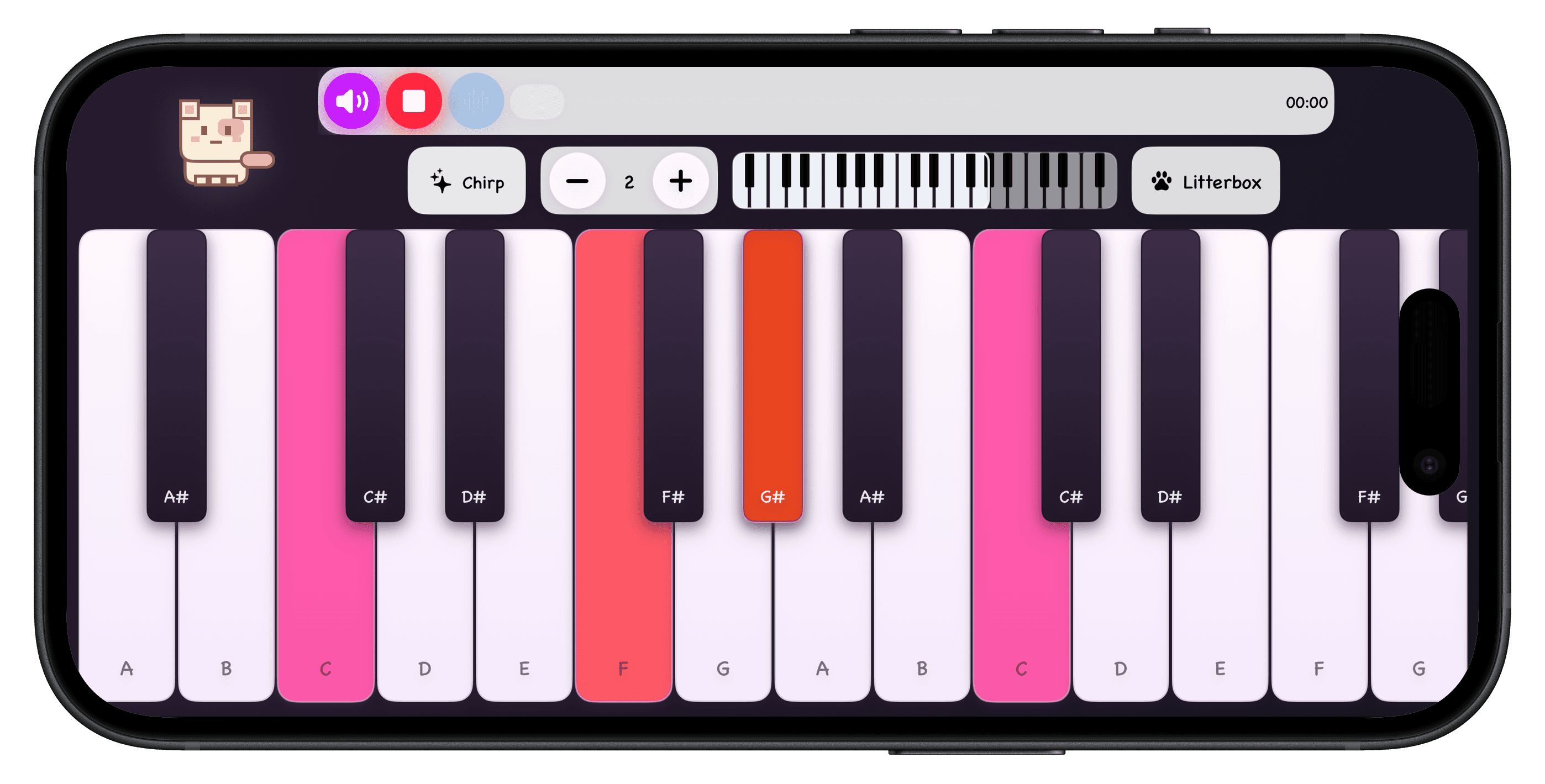
Recordings
Record performances, replay them, export audio, and share finished tracks from your device.
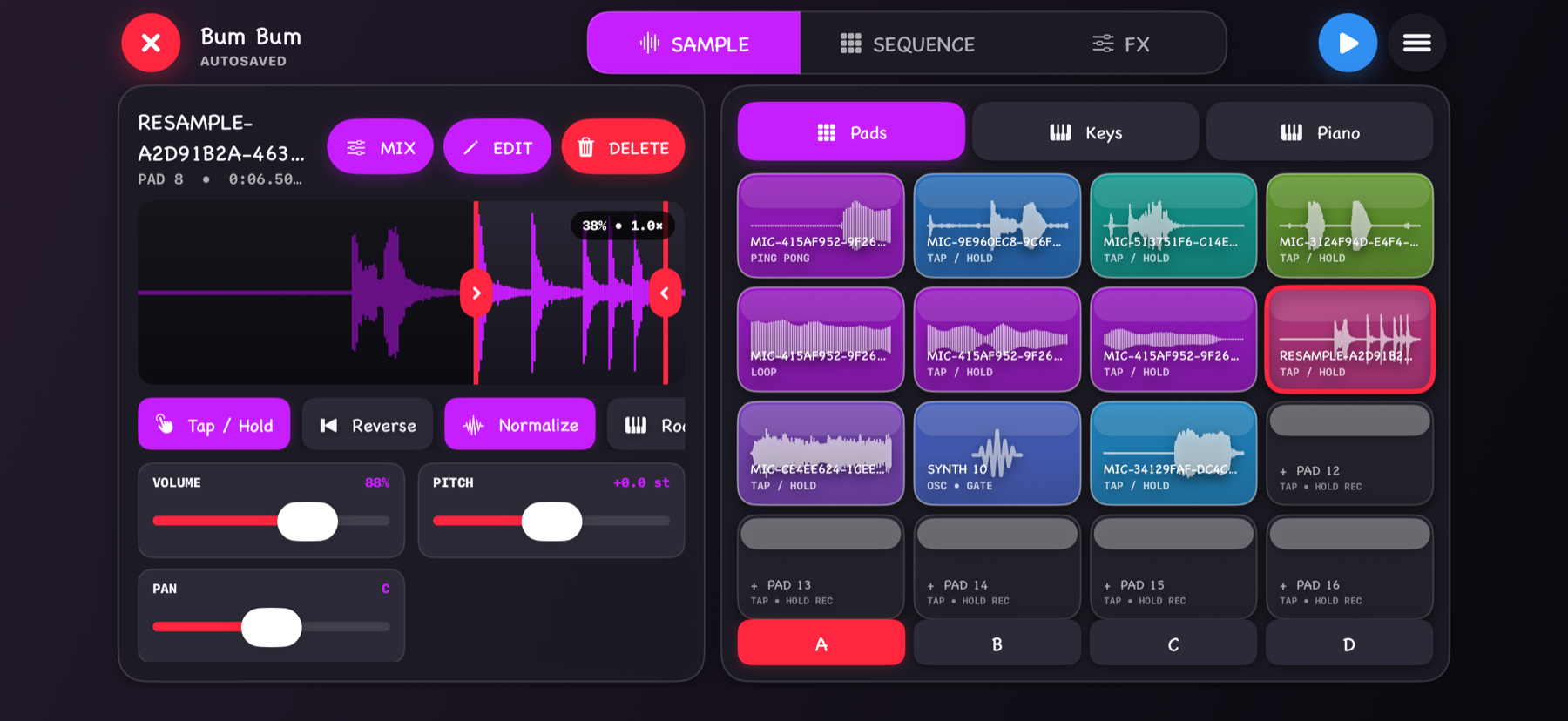
Sampler Studio
Record or import a sound, trim it, normalize it, map it to pads or keys, then sequence it with the rest of the track.
Screenshots
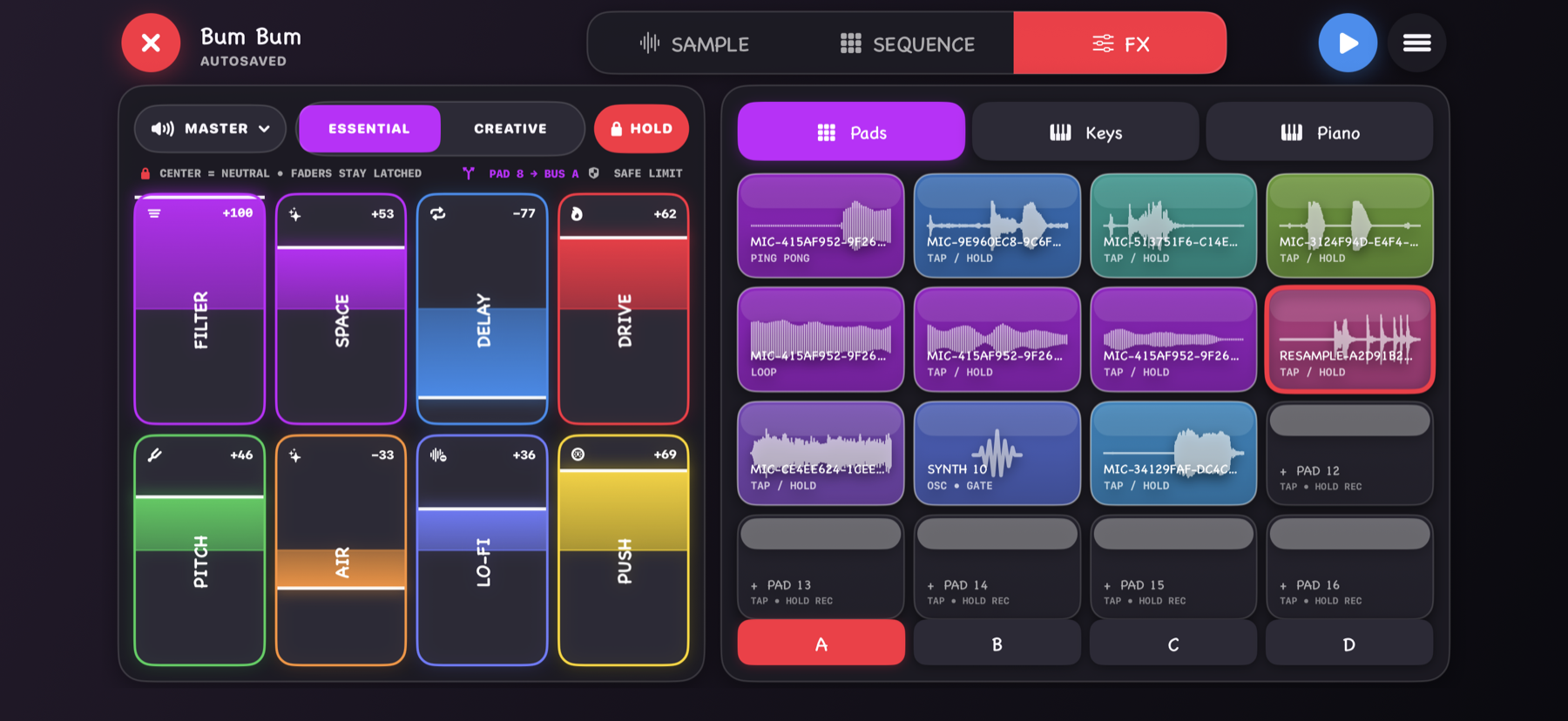
Edit sequences, mix effects, and choose the keyboard sound that fits your track.
Meowano Pro
Pro adds the deeper studio tools for users who want to go beyond the free Cat Piano experience.
Download Meowano
Download Meowano free on the App Store for iPhone and iPad.

FAQ
Yes. Meowano is free to download, with an optional Pro upgrade for premium tools and ad-free saving or exporting.
You can record piano performances, turn your own audio into samples, arrange beats and melodies, mix effects, and export finished tracks.
Recorded audio is processed on device unless you choose to export or share it through another app.