
JA JUSTANAPP

Built for two

Life gets busy.
Stay in sync.

ShareTime brings your shared plans, reminders, and everyday routines into one calm place made for couples.

One invite code.
Your plans, connected in seconds.

9:41
June
SMTWTFS
31123456 78910111213 14151617181920 21222324252627 2829301234
Up next Today
Dinner reservation

7:30 PM Downtown

S
Pick up groceries

5:15 PM Shared reminder

J
Calendar Alarms Reminders
Morning alarmSynced for both
SJ
You’re pairedCalendars connected

Everything the two of you need to stay aligned

One shared calendarPartner-approved alarmsPrivate by design

The essentials, together

Less coordinating.
More living.

Keep the details straight without turning your relationship into a project plan.

01

One calendar.
Both lives.

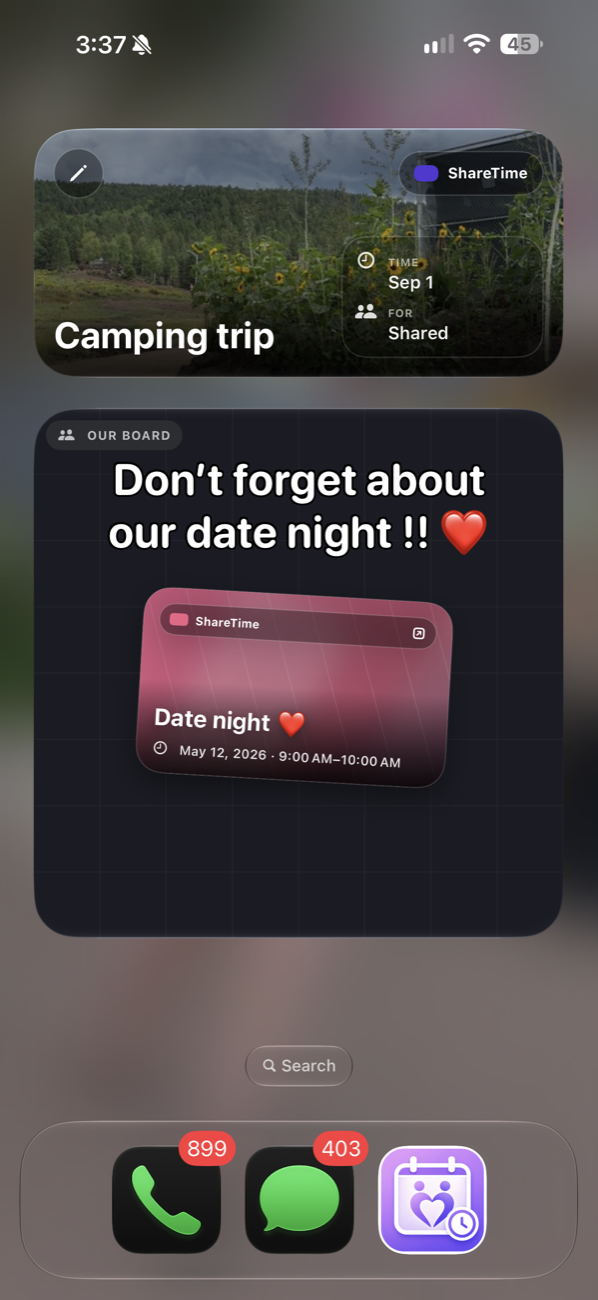
Dates, appointments, trips, errands, and routines live in a clear monthly view that both of you can count on.

  • See personal and shared plans together
  • Import calendars already on your phone
  • Add notes, locations, and recurring events
Illustration of a shared calendar

02

Alarms that
work as a team.

Set an alarm for yourself, your partner, or both. Partner control is always opt-in and revocable.

Illustration of shared alarms for partners

03

The little things,
handled.

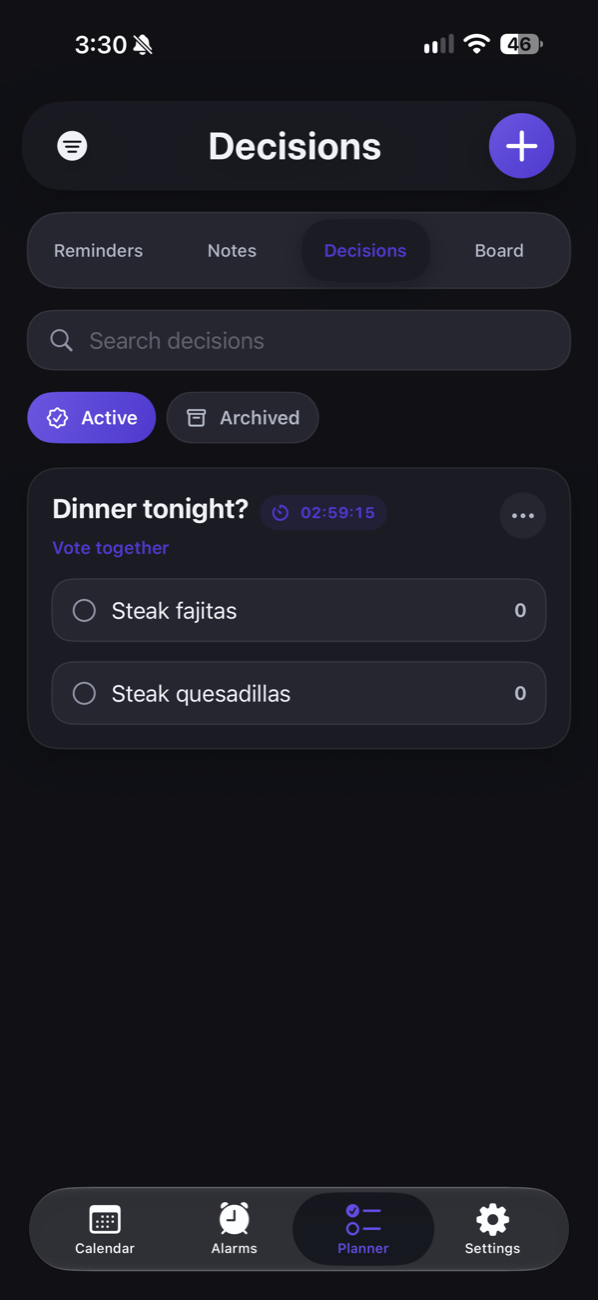
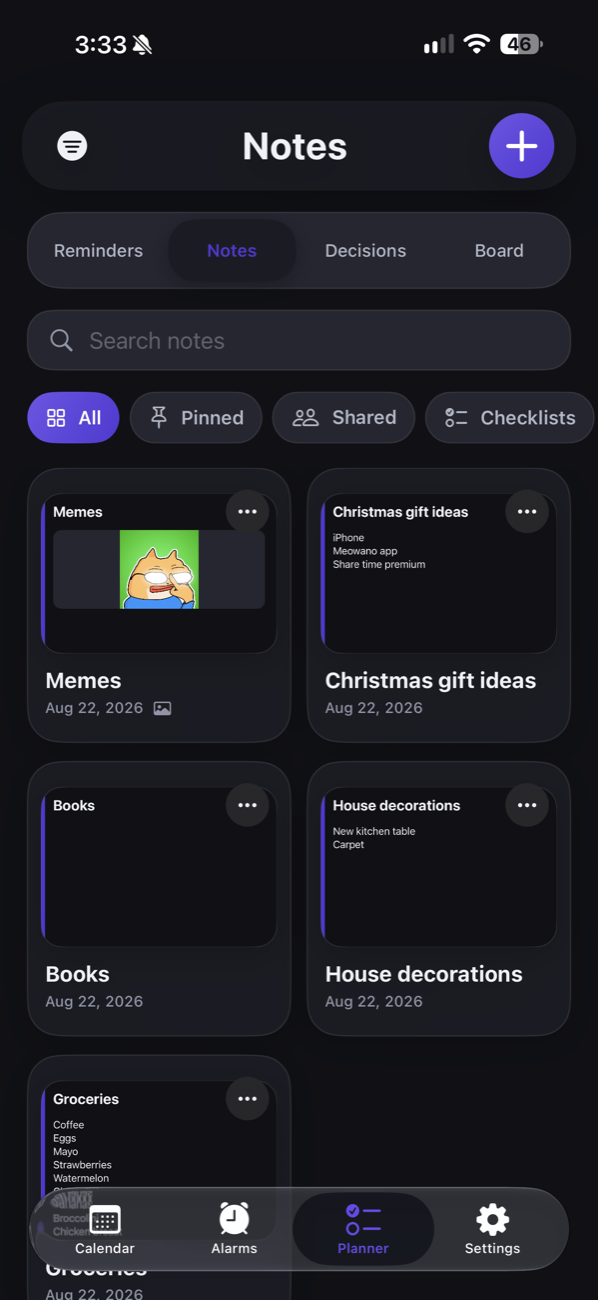
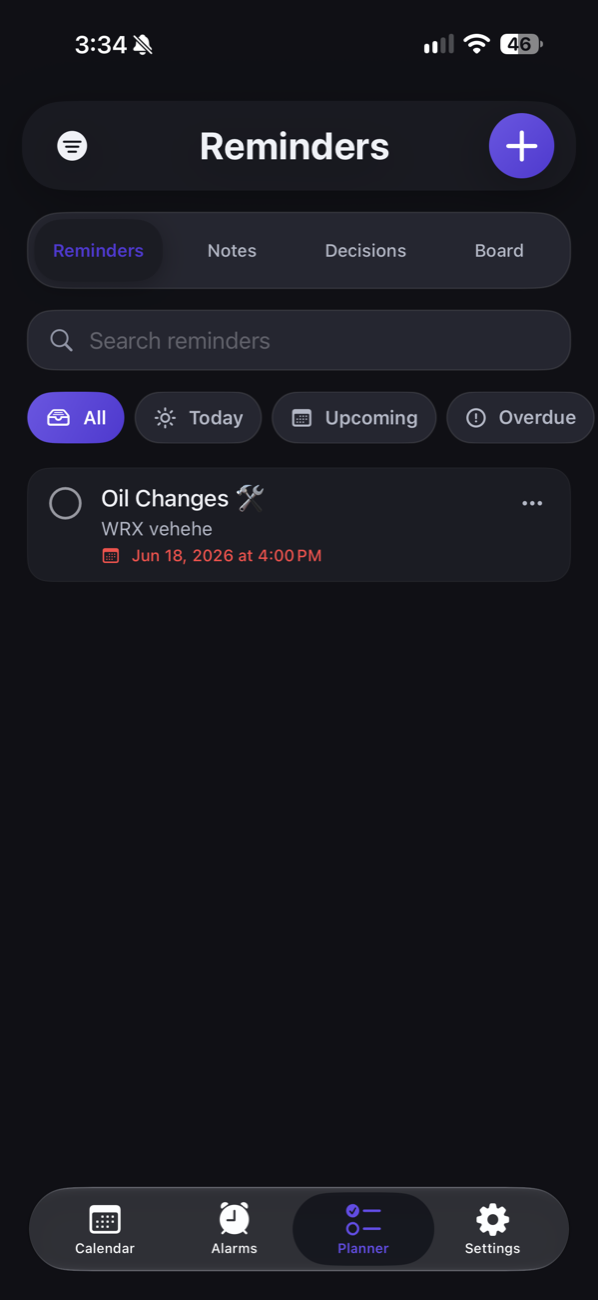
Keep shared reminders and notes close, from grocery runs to weekend plans.

Reminders+

Book anniversary dinner

Pick up groceries

Bring charger for trip

Simple from the start

Paired in a minute.
In sync every day.

01

Create your account

Set up ShareTime with your name and email, then make the space yours.

02

Send one invite code

Your partner joins with a simple code. No complicated setup or shared password.

03

Share what matters

Start adding plans, alarms, reminders, and notes you can both rely on.

Illustration of a calendar with a heart
You’re in controlPartner alarm access is optional

Made for your relationship

Shared doesn’t mean everything.

ShareTime gives you a connected space without taking away your boundaries. You choose what is shared, and partner alarm control requires your approval.

Opt-in alarm control
Allow or revoke partner access anytime.

Personal or shared events
Choose the right audience for each plan.

Your account stays yours
Pair with a code, never a shared password.

Read the full Privacy Policy

Questions, answered

A few things
to know.

What can I share in ShareTime?+

ShareTime is designed for calendars, alarms, reminders, and notes. Events can include recurring schedules, locations, and helpful details.

Can my partner create alarms on my phone?+

Only when you approve partner alarm control. That permission is optional and can be revoked from settings whenever you want.

Do we need to share an account?+

No. Each person has their own ShareTime account. One invite code connects the two accounts.

What devices will ShareTime support?+

ShareTime is being built for iPhone first. Join the list for launch and availability updates.